


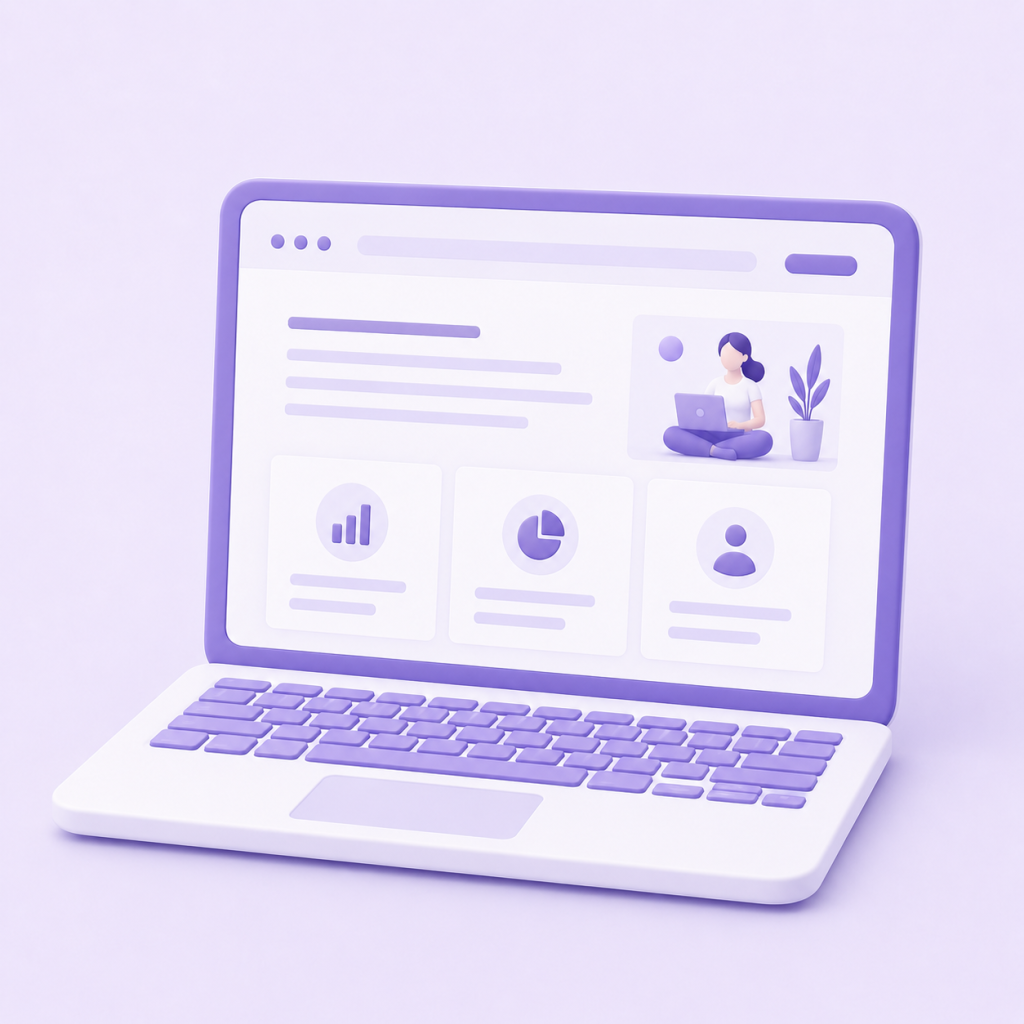
HOMEPAGE ELEMENTS
CONTENT BLOCK
The main container of the page — this is performed by a body or a div. The width can be fluid or fixed.
LOGO
What makes a project stand out from the rest is the text or graphic element. It is often located in the upper left corner or in the center.
NAVIGATION
A panel that contains links to the main sections of a site. It can be arranged vertically or horizontally, and is often located at the top.
Content
It is the main component of a web page, playing a key role in design — it occupies the largest space, is enriched with text and graphics.
Footer
The bottom of the page — this is where the copyright holder, contact, submissions, social networks, and feedback form are located.
White space
It's not a design element, but it's an important concept to keep in mind when building a layout — it prevents the project from looking cluttered.
HOMEPAGE ELEMENTS
CONTENT BLOCK
The main container of the page — this is performed by a body or a div. The width can be fluid or fixed.
LOGO
What makes a project stand out from the rest is the text or graphic element. It is often located in the upper left corner or in the center.
NAVIGATION
A panel that contains links to the main sections of a site. It can be arranged vertically or horizontally, and is often located at the top.
Content
It is the main component of a web page, playing a key role in design — it occupies the largest space, is enriched with text and graphics.
Footer
The bottom of the page — this is where the copyright holder, contact, submissions, social networks, and feedback form are located.
White space
It's not a design element, but it's an important concept to keep in mind when building a layout — it prevents the project from looking cluttered.
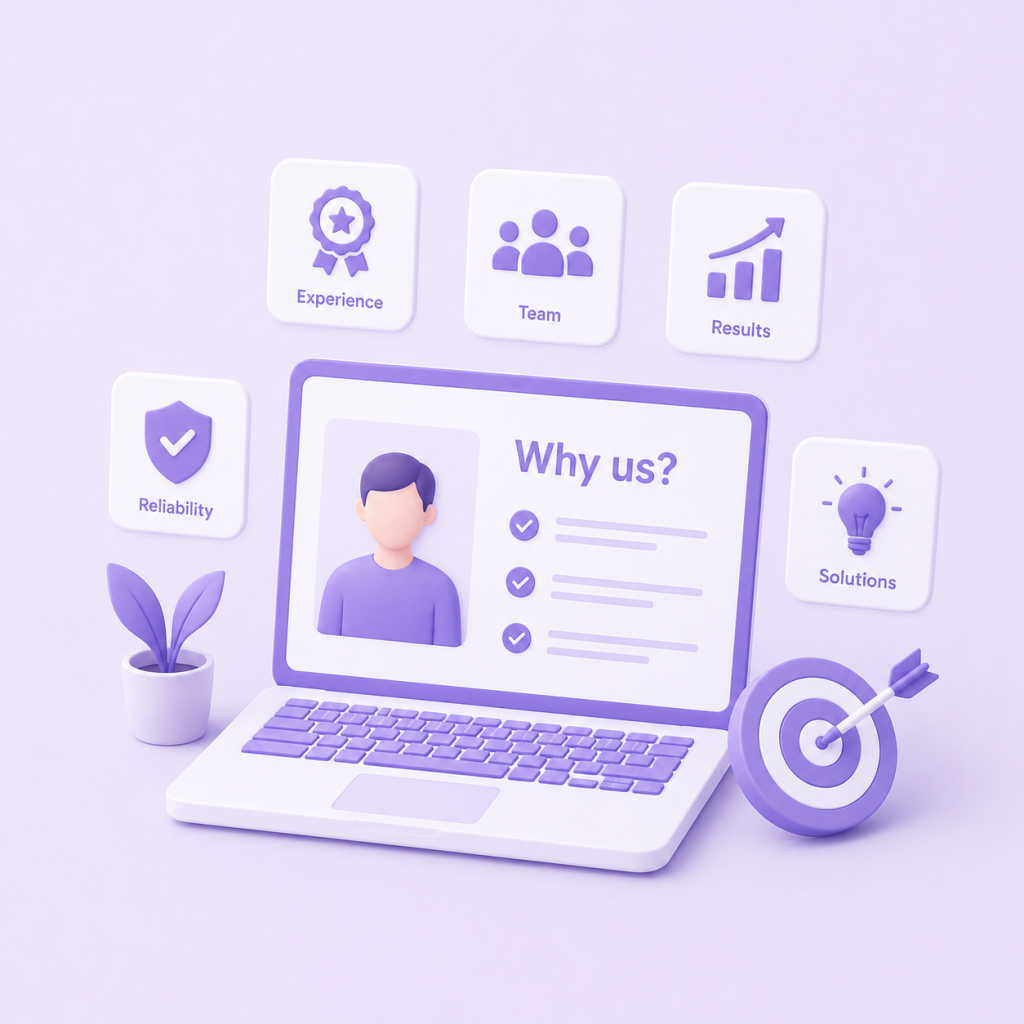
WHY CHOOSE US?
Experience
Thanks to the practical experience we have gained in various fields, we take into account the specifics of each project and provide effective solutions.
RESPONSIBILITY
Müddətlərə əməl edir, proses boyunca şəffaf ünsiyyət qurur və hər detalın keyfiyyətinə cavabdehlik daşıyırıq.
DESIGNER VISION
We create designs that improve user experience and differentiate your brand by combining modern trends with functionality.
Single concept
We remain committed to the idea and strategy we defined at the beginning of the project, shaping all design elements based on a single concept.